


You’ve tried. The sticky notes, the color-coded notebook with four tabs used, the elaborate Notion setup you abandoned by week two — none of it stuck. Here’s the honest truth: that’s not a character flaw. That’s a friction problem. The best note-taking apps for disorganized people don’t ask you to be organized first. They catch whatever your brain throws at them and sort it out later (or honestly, never — and that’s fine).
Here’s what actually works in 2026, tested for chaos brains specifically.
Why You’ve Failed at Note-Taking (It’s Not You)
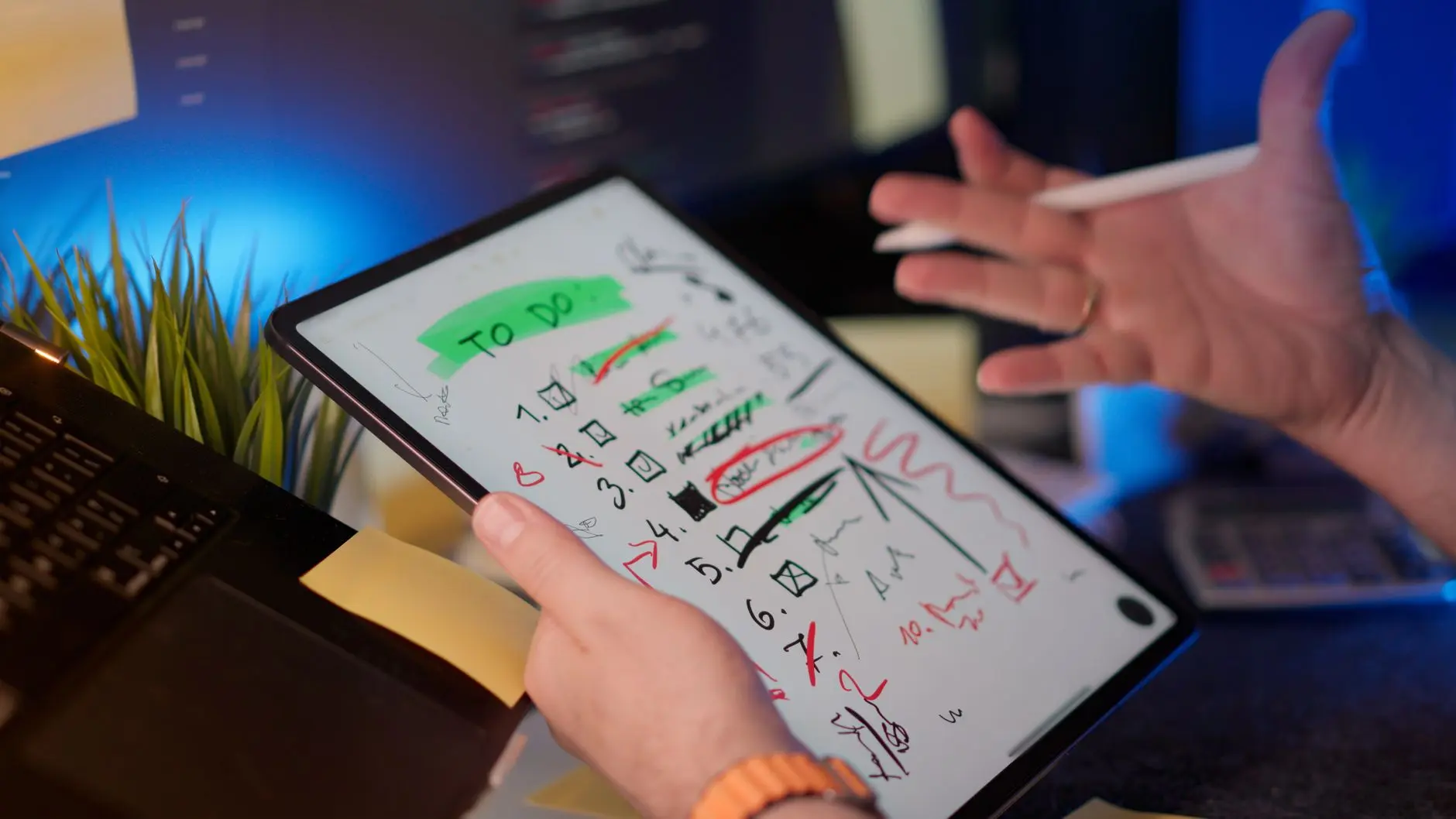
Most note-taking systems are designed for people who already have their thoughts in neat little rows. If that’s you, congrats — you don’t need this article. For everyone else, the problem is the same: friction before capture.
Traditional apps and paper planners put the organizing step before the writing step. You tap to open a note, get hit with a folder picker or a template chooser, and by the time you’ve decided where it goes, the idea has evaporated. This is especially brutal for anyone managing ADHD, where working memory is already doing overtime.
Research through Harvard Health backs this up: externalizing thoughts is a genuine cognitive offload strategy. The format barely matters. What matters is the speed of getting it out of your head. The winner is whatever has the lowest possible barrier between “I have a thought” and “it’s saved.”
Everything below clears that bar.
READ ALSO: Best Productivity Apps for People Who Hate Productivity Apps
Apps Built for Brain-Dumping (No Organization Required)
These are the apps where you can throw a half-formed idea in at 2 a.m. and find it again without rebuilding a filing structure first.
Notion gets hyped by power users, but its real gift for disorganized people is the inbox. Tap, type, done. You can sort it later, add it to a database later, or just let it sit. The free tier is generous — unlimited pages, sync across devices — and you never have to use 80% of its features to get value from it.
Obsidian looks intimidating until you ignore the graph view entirely and just use it as a fast, searchable notebook. Notes live locally on your device (no subscription, no server), and the search is excellent. Good pick if you’d rather your brain-dumps not live in someone else’s cloud.
Apple Notes is the most underrated app on this list — and it’s already on your phone. No login, no onboarding, no workspace setup. Just open and type. The Verge has called it a sleeper hit in note-app comparisons precisely because it removes every possible excuse not to use it.
For note-taking apps for ADHD specifically, the rule is simple: skip anything that makes you choose a category before you can start typing.
READ ALSO: ADHD-Friendly Life Hacks That Actually Work
Capture by Voice: The Lazy Person’s Dream

Typing while walking, driving, or hovering between asleep and awake is a lot to ask. Voice-to-text note-taking has gotten genuinely good recently — like, actually usable good, not “okay if you speak slowly in a quiet room” good.
Otter.ai is the gold standard. It records, transcribes in real time, and summarizes meetings and rambles. The free plan gives you 300 minutes of transcription a month — plenty for personal notes — and you can search your transcripts by keyword. Hugely useful when you recorded a ten-minute train-of-thought and need to find one specific thing you said.
Google Keep has a built-in voice note feature that transcribes on the spot. It’s not as polished as Otter, but it’s free, instant, and tied to your Google account, meaning it syncs everywhere automatically. For quick, throwaway captures that just need to exist somewhere, it’s hard to beat.
Apple Notes uses Apple’s on-device transcription, which got a real boost from recent Apple Intelligence updates. The transcription happens locally — no internet required — which is a privacy win most people overlook.
Wired‘s productivity coverage has flagged voice capture as one of the highest-ROI habits for people who think faster than they type. Talk naturally, edit later — or don’t.
READ ALSO: How to Actually Use Your Phone for Good (Yes, Really)
Keep It Everywhere: The Sync-All Method
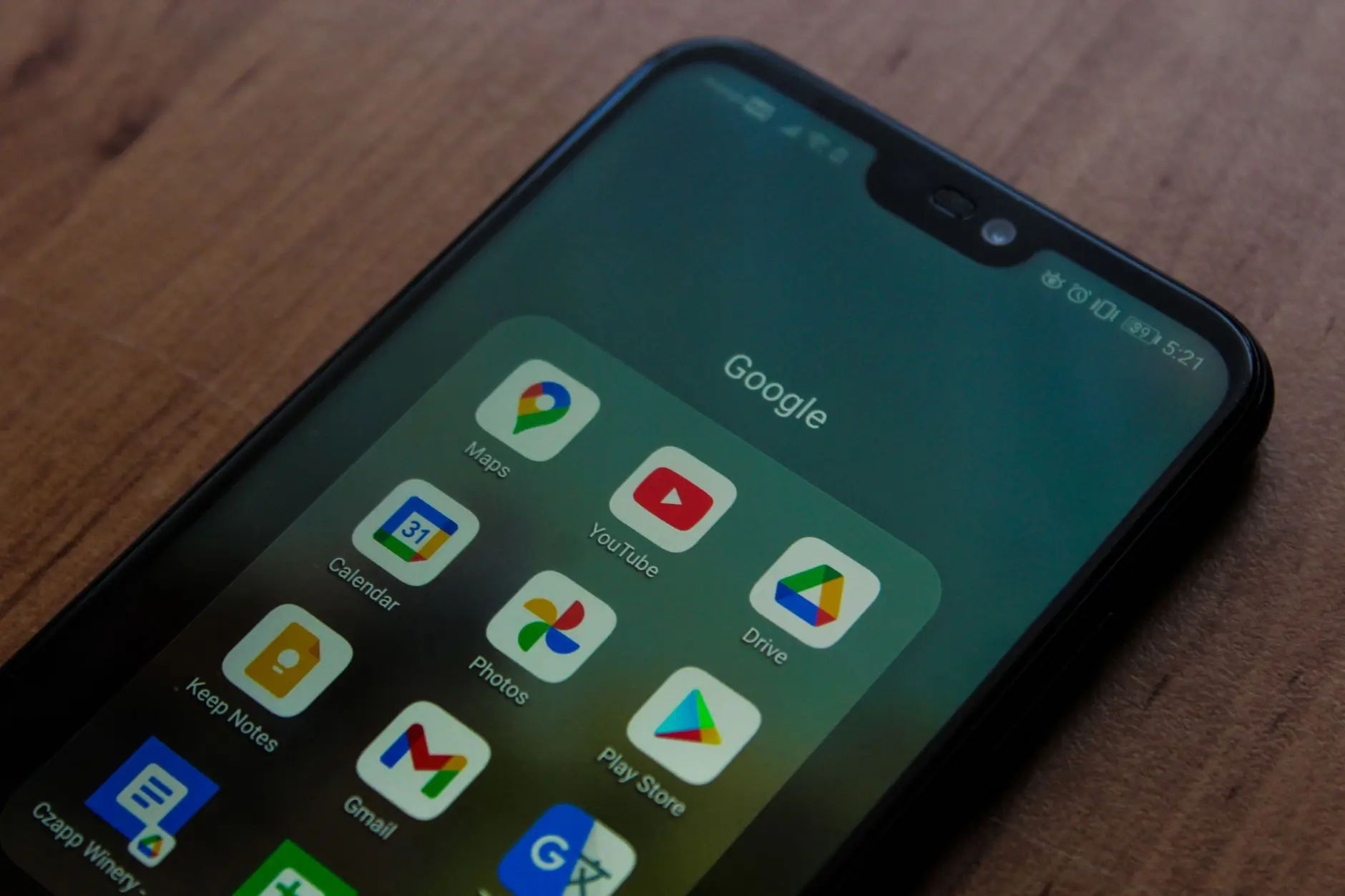
The best note-taking app in the world is useless if it only lives on one device and you’re staring at your desktop when the idea hits in the checkout line. Digital notes organization only works if your notes follow you everywhere, every time.
Here’s what syncs reliably in 2026:
- Notion — seamless across iPhone, Android, Mac, Windows, and browser. Free plan syncs everything, no cap.
- Google Keep — syncs instantly across any device with a Google account. Works in the browser without installing anything.
- Obsidian — local-first by default, but their Sync add-on ($4/month) is fast and solid. You can also sync via iCloud or Dropbox for free if you prefer.
- Apple Notes — effortless sync within the Apple ecosystem via iCloud. Outside Apple devices? Much harder sell.
Note sync across devices sounds like a small convenience until you’re at your laptop trying to find a note you saved on your phone and it’s just… gone. PCMag‘s app comparisons consistently flag sync reliability as the single biggest factor in whether people stick with a note app long-term. Test it before you commit your whole system to it.
READ ALSO: Free Apps Worth Downloading Right Now
Free Apps That Don’t Suck
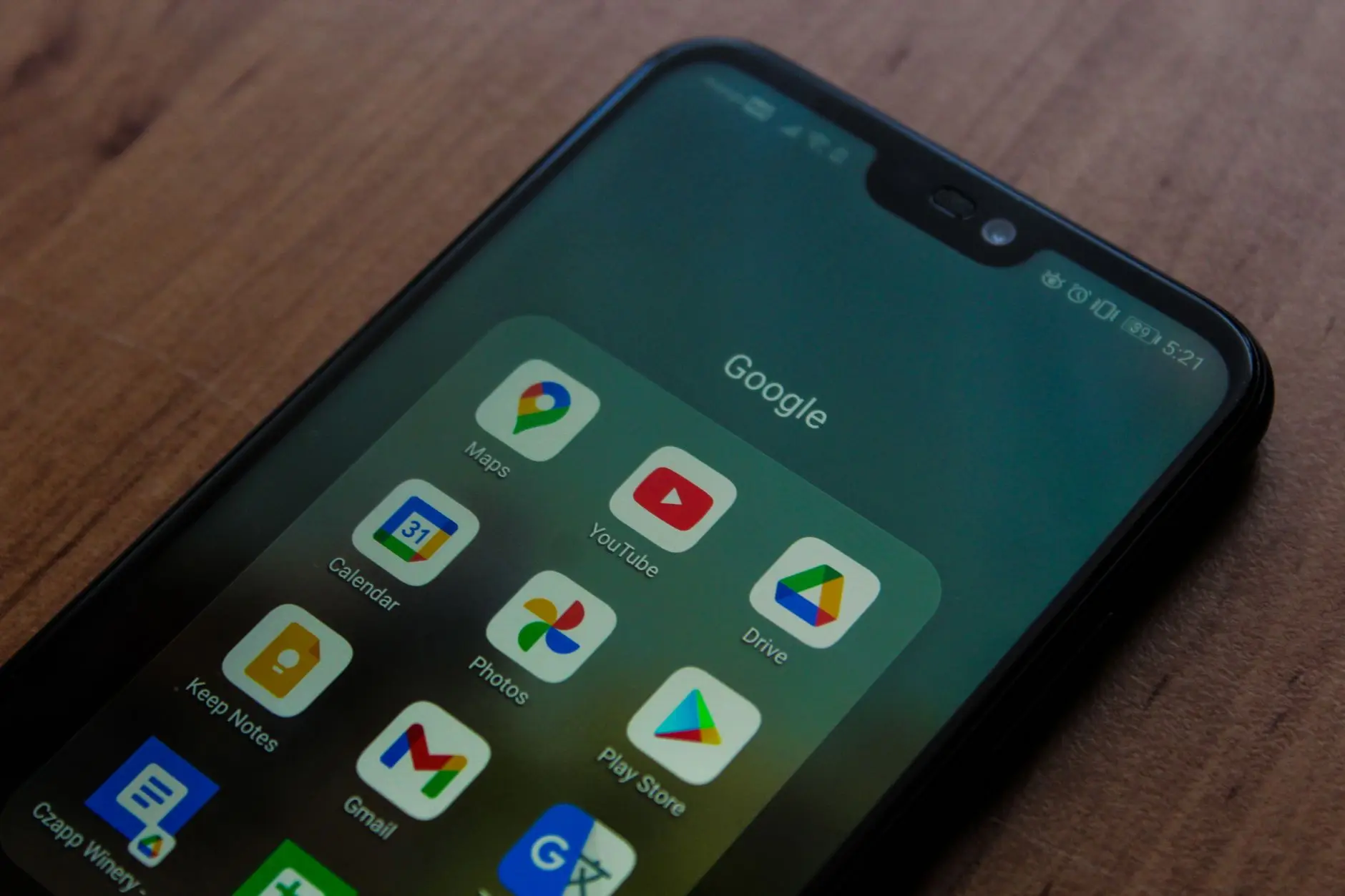
The good news: the best free note-taking apps are actually, genuinely good — not “fine for free” good, but legitimately competitive with paid tools.
Google Keep — completely free. Color labels, voice notes, reminders, a Chrome extension that saves web clips in one click. Zero dollars. Its one weakness is long-form writing, but for quick capture it’s close to perfect.
Notion (free tier) — unlimited pages, device sync, basic databases, and a template library. Notion removed its page limit a few years back and the free plan is now legitimately powerful.
Obsidian — free for personal use, full stop. Every core feature, no subscription, no expiry. The only paid features are cloud sync and web publishing, which most people never need.
Apple Notes — free if you own an Apple device. Already installed. Already syncing. Already waiting.
TechRadar‘s roundups have consistently put Google Keep and Apple Notes at the top of free app lists for one reason that sounds obvious once you say it: they’re already on your phone, so starting takes zero effort. ADDitude Magazine makes the same point specifically for people with attention challenges — the overhead cost of maintaining a complex system is exactly what tanks note-taking habits. Simpler wins almost every time.
The Actual Secret to Sticking With It

Set up a home screen widget. That’s it. That’s the secret.
The reason most note-taking habits fail isn’t the app — it’s the three-tap-hunt to find it. If capturing a thought takes more than two seconds, your brain will decide it’s not worth it and the idea is gone. A home screen shortcut that opens a new blank note instantly is the only upgrade that actually changes the habit.
Every app on this list supports this. Open your home screen editor right now and drag a new-note widget to your first screen. Do it before you keep reading.
The second piece: don’t organize until you have to. The Guardian’s wellness and productivity writers have made this case repeatedly — the perfect system is the enemy of the functional one. Dump everything into an inbox. Sort it on Sunday if the mood strikes. Or don’t. The note exists. That already counts as a win.
If you want a proper note-taking apps comparison before committing, Wired and The Verge both publish updated roundups each year with hands-on testing — worth a read if you want the deep dive.
The goal isn’t to build a knowledge management system worthy of a productivity influencer’s YouTube channel. It’s just to not lose the thing you thought of in the shower. Pick one app from this list, put it on your home screen, and use it imperfectly. That’s genuinely enough.
Want more no-stress digital wins delivered weekly? The DLM newsletter is exactly that — smart hacks, good finds, and tech-for-normal-people picks, straight to your inbox. No hustle required.
UP NEXT: Best Calendar Apps for People Who Forget Everything
















Comments