


Your phone isn’t the problem. Every app on it that was engineered by someone whose full-time job was capturing your attention? That’s the problem. The counter-play is using smarter tools — ones working for you, not against you.
Here are the best free apps that actually reduce phone distractions, plus the built-in tools already on your device that most people never touch. No subscriptions. No dramatic detox announcements. Just setup that takes under ten minutes and actually sticks.
Why Your Phone Keeps Winning
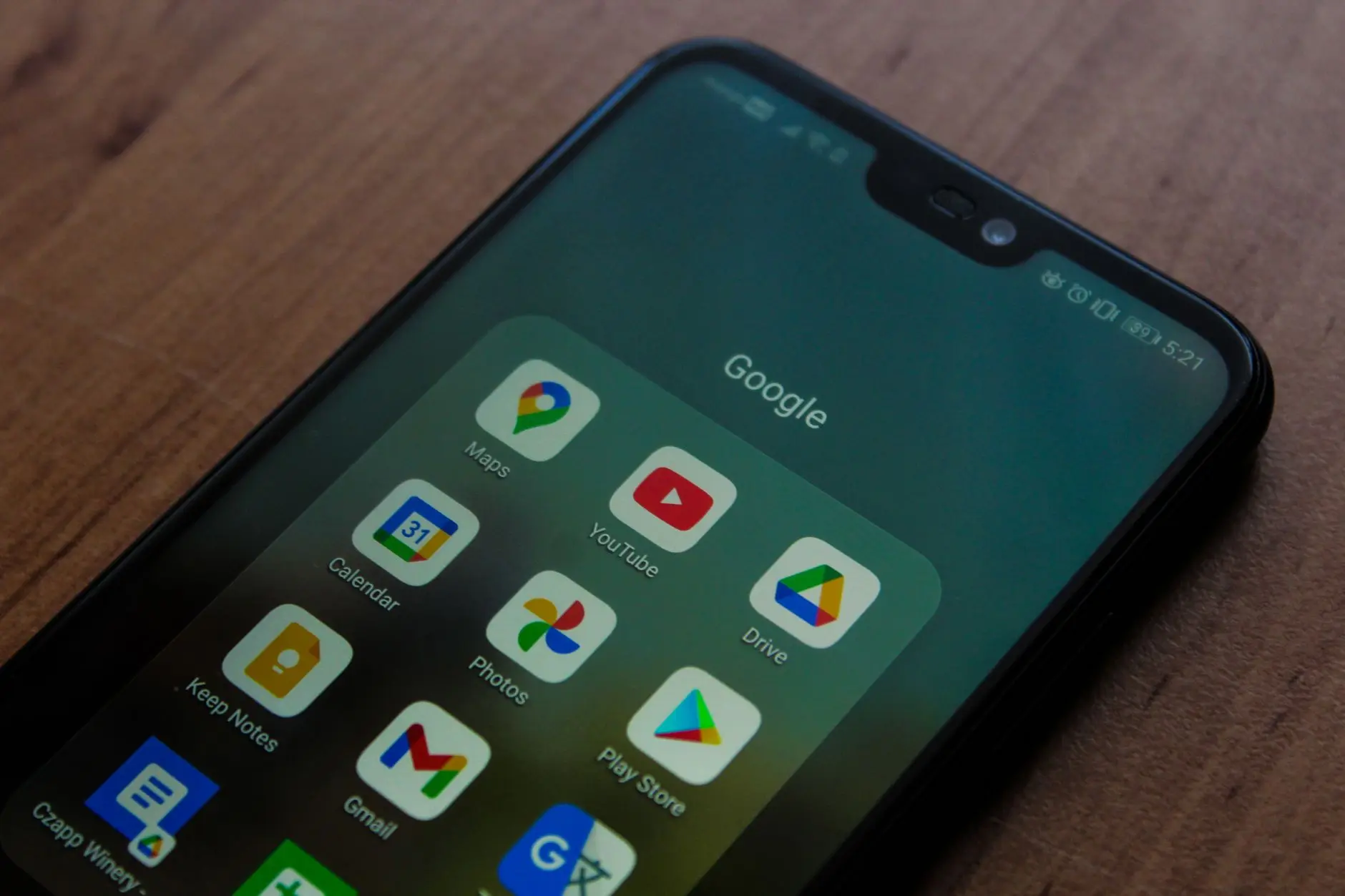
You are not failing at self-control. You’re up against a deliberate system. According to the American Psychological Association, compulsive phone checking follows the same dopamine reward loops that make other habitual behaviors so difficult to break — and app designers know this and build around it.
Every notification badge, every infinite scroll, every pull-to-refresh is a design choice, not an accident. Cleveland Clinic’s breakdown of dopamine explains exactly why variable reward patterns — you never know if the next scroll will deliver something exciting — are so hard to resist. Your brain is doing precisely what it was trained to do by billions of dollars in behavioral design research.
The fix isn’t willpower. It’s friction. A tiny bit of delay or inconvenience between you and the app is often enough to short-circuit the automatic grab-scroll-regret cycle. That’s what every good focus app does, and most of them do it for free.
READ ALSO: How to Stop Doom Scrolling Before It Steals Your Night
Best Free Focus Apps: No Nightmare Setup
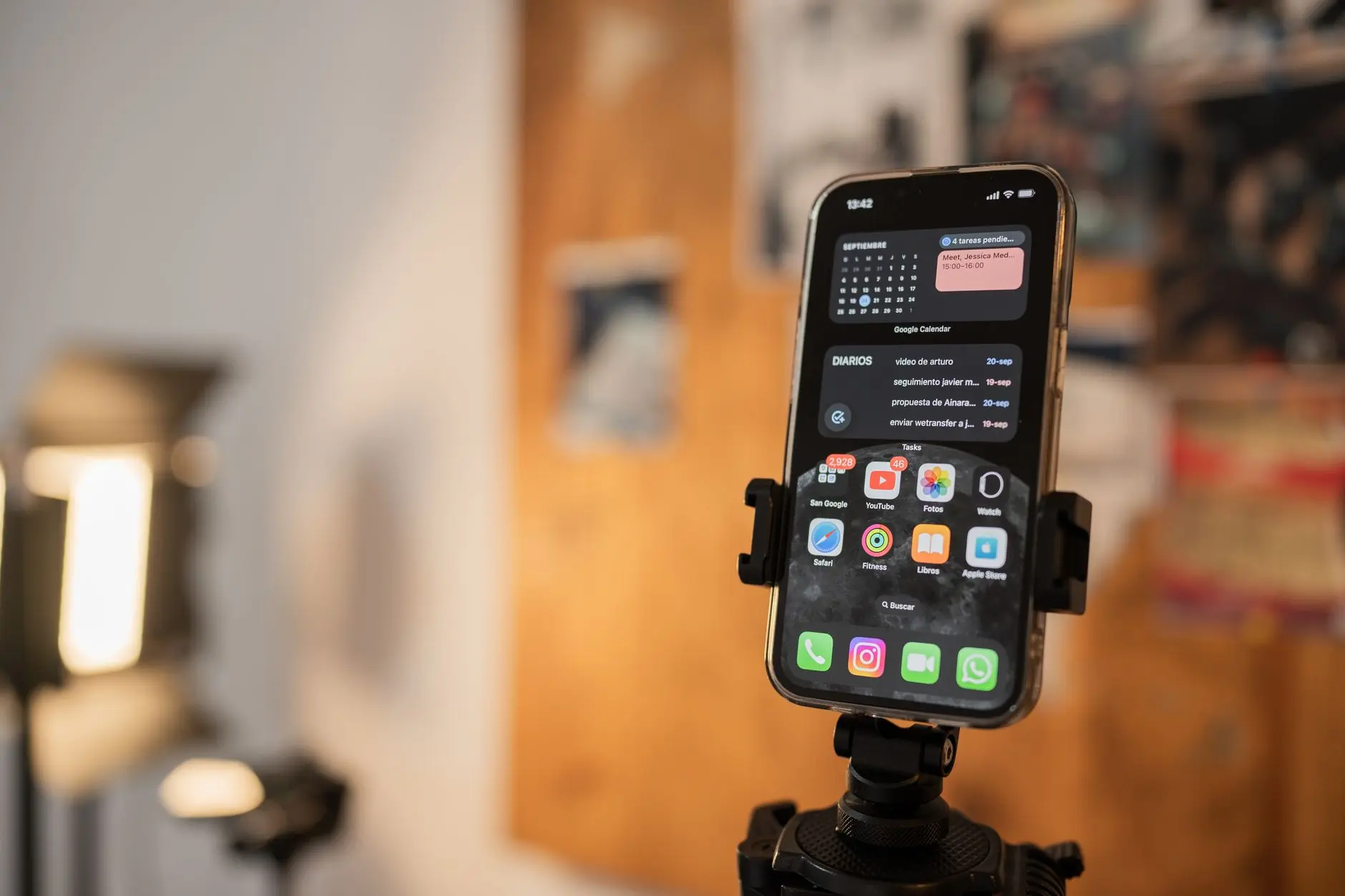
Start with what’s already on your phone — because the best free focus apps for productivity are baked right into iOS and Android, and most people have never opened them.
Digital Wellbeing (Android) tracks your screen time by app, sets daily usage timers, and includes a “Bedtime Mode” that switches your screen to greyscale after a set hour — making your phone genuinely boring at bedtime. Find it under Settings > Digital Wellbeing & Parental Controls. The Verge has consistently flagged it as the most underused free tool on Android. It’s been there the whole time.
Screen Time (iOS) does the same job on iPhones, zero cost. Set per-category limits (Social Networking, Entertainment), schedule Downtime blocks, and build an Always Allowed list so your actual emergency contacts still get through. Wired called it one of iOS’s most genuinely useful native additions when it launched — and it’s improved every year since.
One Sec (free tier) is sneaky-clever: it inserts a one-second breathing pause before any app you flag as a problem. That single second of friction is often enough to break the automatic grab-open loop. Research on behavioral interruption published via Harvard Health consistently finds that even minimal deliberate pauses reduce compulsive behavior — and One Sec’s free tier applies this to one app, which is honestly all most people need to begin.
StayFocusd is a completely free Chrome extension that blocks time-wasting sites after you hit a daily limit you set yourself. No subscription, no upsell. If you do most of your distracted wandering in a browser, this is the app blocker that actually works — quietly enforcing rules you made when you were feeling sensible.
READ ALSO: The Best Free Productivity Apps You’re Probably Not Using
Block Distractions Without Missing What Matters
The worry is always the same: what if I miss something genuinely important? Reasonable — and the best digital wellbeing apps are built specifically around that fear.
AppBlock (Android, free tier) lets you set custom block schedules and allowed lists. Block TikTok during work hours, keep WhatsApp accessible. It’s one of the more flexible app blockers that actually work because it doesn’t make you choose between productivity and real life — it lets you carve out space for both.
Opal (free tier, iOS) does something similar with a “Deep Focus” session mode, and lets you designate certain contacts as always-available so a genuine crisis still gets through. Common Sense Media has noted that nuanced, allow-list-based blocking is significantly more sustainable for adults than all-or-nothing restrictions — because you won’t rage-quit it by day three.
Before downloading anything, try your phone’s built-in tools: iOS Focus Modes and Android Do Not Disturb schedules are free, already configured, and cover a surprising amount of ground. Schedule a “Work” Focus that silences everything except calls from your starred contacts. That alone changes the texture of a workday.
READ ALSO: Digital Detox Tips That Actually Work (For People Who Hate Detoxes)
Set Screen Time Limits That Actually Stick
Most screen time limits fail the same way: set too aggressively on day one, overridden by day two, uninstalled by day four. The apps aren’t the problem — the all-or-nothing approach is.
Mayo Clinic’s guidance on habit change backs starting small and specific: pick one behavior before trying to overhaul everything. Choose your most-opened distraction app — Instagram, TikTok, Reddit, you know which one — and set a daily limit there first. Everything else stays as-is.
On iOS: Settings > Screen Time > App Limits > Add Limit > select a category > set your daily cap. When the limit hits, a warning screen appears. You can still override it — that’s intentional. The goal is to turn an automatic reflex into a conscious choice, not to lock you out of your own device.
On Android: Settings > Digital Wellbeing > Dashboard > tap any app > set a timer. Same friction, same logic. BBC Future’s research coverage on attention has found that simply becoming aware of your own usage patterns is often the first real shift — and both tools hand you that awareness for free.
READ ALSO: Minimalist Phone Setup: Clear the Clutter, Keep the Good Stuff
The Setup You Actually Won’t Abandon

Five minutes. That’s all this takes.
- Turn on Do Not Disturb for your first hour every morning — right now, before you do anything else.
- Set one app timer, targeting your biggest time-sink. Aim 30 minutes below your current daily average, not zero.
- Move social apps off your home screen into a folder. Not deleted — just not front and center staring at you.
- Add One Sec to the one app you open most automatically.
- On iOS, build a basic Work Focus Mode. On Android, create a Do Not Disturb schedule for your core work hours.
That’s the whole system. NPR’s health reporting on behavior change consistently finds that small environmental shifts — like moving an app off your home screen — outperform willpower-based approaches over time. You’re not trying to become a different person. You’re just making the distracted choice a fraction harder to execute.
Real Results From People Who Actually Tried Them

App-based screen time reduction does work — when the tools have enough flexibility that people stick with them. Peer-reviewed smartphone use research indexed in PubMed shows that intervention apps reduce daily phone use meaningfully in the first month, with the best outcomes tied to tools that add friction rather than enforce hard blocks. Hard blocks get deleted. Friction gets kept.
One Sec’s user data shows that the breathing-pause feature intercepts multiple automatic app-opening attempts per day in the first week — not because users suddenly have more willpower, but because the one-second gap makes the behavior visible. You can’t change what you can’t see.
The pattern across the research is consistent: flexible, allow-list approaches outlast all-or-nothing lockdowns. BBC Future’s ongoing coverage of digital wellbeing frames it well — the best notification management and screen time management tools don’t punish you, they make you more deliberate. That’s the whole job. Your attention span is worth the five-minute setup. Go do it.
UP NEXT: The Morning Routine That Starts Before You Touch Your Phone
—
















Comments